Cable TV used to be the only way to get your favorite shows, movies, and sports. But let’s face it—paying $100+ per month for 200+ channels, most of which you never watch, is not fun. The good news? With streaming services, free apps, and over-the-air TV, it’s now possible to cut the cord and still enjoy everything you love—often for far less money.
In this guide, we’ll break down the best alternatives to cable, show you how to pick the right option for your needs, and even share real-world case studies from people who have successfully made the switch.
How to Decide Which Cable Alternative Is Right for You
Before you cancel your cable subscription, it’s important to figure out what you actually want from your TV experience. Ask yourself:
- Budget: How much are you willing to spend per month? Most streaming services range from $15–$75.
- Favorite channels: Do you watch sports, news, kids’ shows, or mostly entertainment?
- Device compatibility: Do you have a smart TV, Roku, Firestick, or rely on your phone/tablet?
- Streaming quality: Are 4K and multiple streams important for your household?
- DVR needs: Do you want to record shows to watch later?
Mini-case example: Sarah, a busy professional, realized she only watched local news and sports. Paying for a $90 cable package made no sense, so she switched to YouTube TV and an OTA antenna, saving $50/month while keeping her favorite channels.
💡 Tip: Make a “must-have” vs “nice-to-have” list before exploring services. This will help narrow down your options.
Top Paid Streaming Alternatives to Cable
| Service | Channels / Content | Price Range | Pros | Cons | Best For |
| YouTube TV | 100+ channels, local TV, sports | ~$75/month | Unlimited DVR, great for families, easy interface | Pricier than some competitors | Families, sports fans |
| Hulu + Live TV | 75+ channels + Hulu originals | ~$75/month | On-demand library included, good local coverage | DVR limited in base plan | Viewers who want both live and on-demand content |
| Sling TV | 30–50 channels, flexible packages | $20–$45/month | Customizable packages, cheap | Limited local channels | Budget-conscious cord-cutters |
| FuboTV | 100+ channels, sports-focused | $65–$80/month | Excellent for sports, multiple streams | Expensive for non-sports viewers | Sports enthusiasts |
| Philo | 60+ channels, entertainment-heavy | $25/month | Very affordable, simple | No sports or local news | Young viewers, casual watchers |
| DirecTV Stream | 65–125 channels | $70–$95/month | Similar to cable bundles, good channel variety | Expensive, some customer complaints | Families wanting cable-like experience |
1. YouTube TV

What it offers: YouTube TV is a full-featured cable replacement offering over 100 channels, including local networks, sports, news, and popular entertainment. It comes with unlimited cloud DVR, so you can record your favorite shows and watch them later without worrying about storage limits. Compatible with almost every device—smart TVs, Roku, Firestick, phones, tablets—it also supports up to three simultaneous streams, making it ideal for families.
Pros:
- Unlimited cloud DVR and easy-to-use interface
- Extensive channel lineup, including locals and major sports networks
- Works on nearly all devices, including mobile and smart TVs
Cons:
- Higher monthly cost than budget services like Sling or Philo
- Occasional outages reported for live sports streams
Case study: The Johnson family replaced their Comcast subscription with YouTube TV. They kept access to local channels, sports, and kids’ shows while saving $55/month. Everyone in the household can watch different channels at the same time, which was a big plus for them.
2. Hulu + Live TV
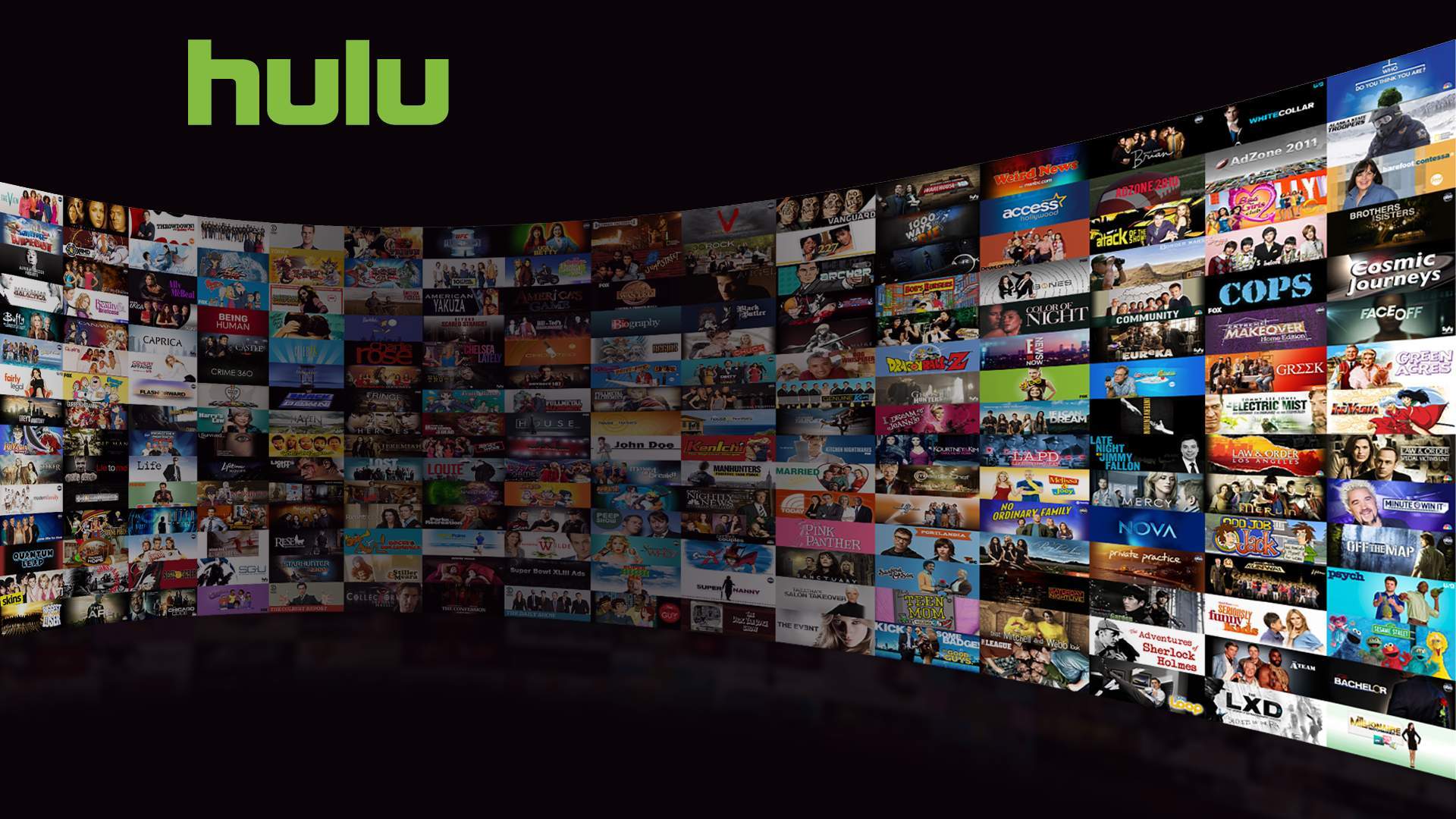
Hulu + Live TV combines 75+ live channels—news, sports, and entertainment—with Hulu’s massive on-demand library, including original series, movies, and documentaries. It comes with 50 hours of cloud DVR (upgradeable) and allows two simultaneous streams. Its integration with Hulu’s on-demand content makes it a great one-stop solution for live and streaming content.
Pros:
- Live TV plus Hulu’s extensive on-demand library
- Good coverage of local channels and major networks
- Compatible with most streaming devices
Cons:
- Base DVR is limited (50 hours) unless upgraded
- Monthly cost is higher than Philo or Sling
Case study: Emma, a single viewer, wanted live news, sports, and Hulu originals. By switching to Hulu + Live TV, she maintained all her favorite programming and cut her cable bill by $50/month. She particularly loves being able to watch Hulu originals without a separate subscription.
3. Sling TV
What it offers: Sling TV is a flexible, budget-friendly service that lets you choose your channels with either Sling Orange (entertainment-heavy) or Sling Blue (sports and news). It offers 30–50 channels depending on the package and includes 50 hours of cloud DVR. You can also add specialized channel packs, like comedy, kids, or lifestyle, making it a highly customizable option for cord-cutters who don’t need a full cable package.
Pros:
- Low-cost, flexible packages starting at $20/month
- Optional add-on packs let you pick channels you actually watch
- No contracts required
Cons:
- Local channel availability is limited in some areas
- Fewer channels than YouTube TV or Hulu
Case study: Mike, a college student, only wanted ESPN and comedy channels. Sling TV’s $35/month Orange + Blue combo met his needs perfectly. He enjoys the cost savings and being able to pick just the channels he watches.
4. FuboTV
What it offers: FuboTV is a sports-focused streaming service with over 100 channels, including international soccer, NFL, MLB, and NCAA coverage. It also offers news, entertainment, and lifestyle channels, with cloud DVR and multiple streams. FuboTV is ideal for sports enthusiasts who want high-quality streams and specialized sports content that many cable packages might charge extra for.
Pros:
- Extensive sports coverage, including international events
- Multiple streams for family or friends
- Cloud DVR included
Cons:
- Expensive for users who don’t watch sports
- Interface can feel cluttered for casual viewers
Case study: Laura, an avid soccer fan, cut cable and subscribed to FuboTV. She now watches live Premier League matches without a pricey cable sports package, saving $60/month. She particularly appreciates the multi-device streaming, as her roommates can watch different sports channels at the same time.
Check Out More Entertainment Streaming Site Alternatives
5. Philo
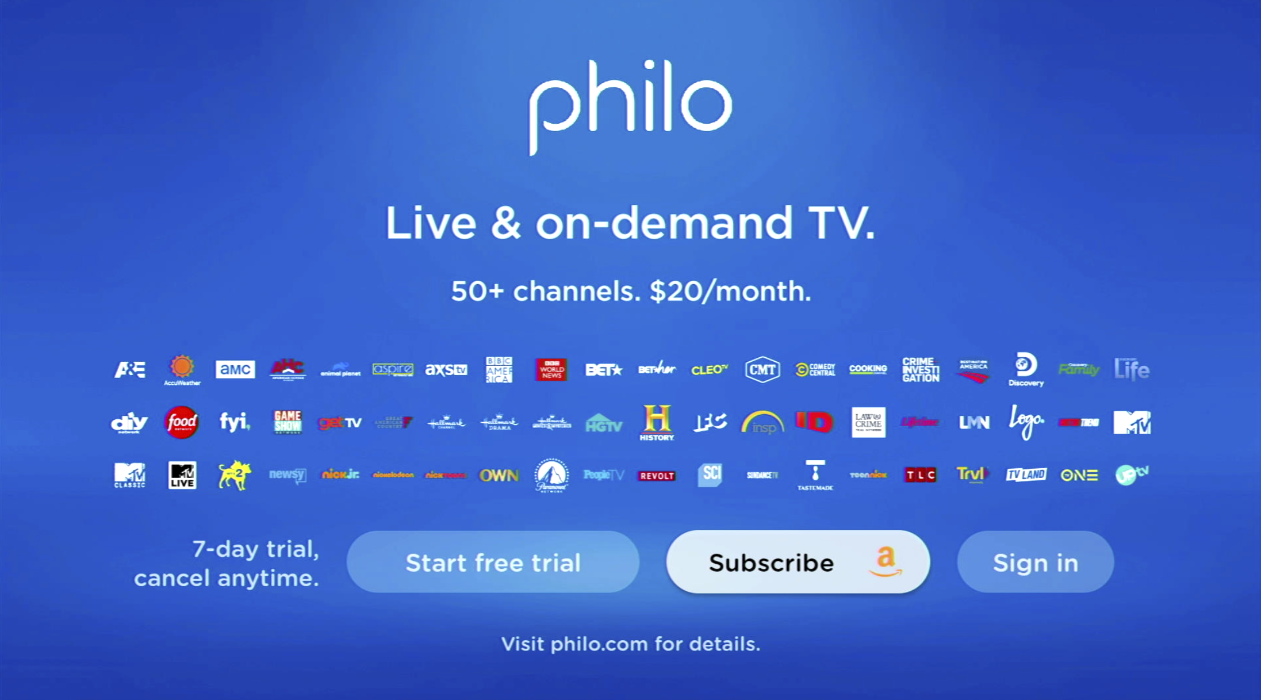
What it offers: Philo is a simple, ultra-affordable streaming option with 60+ entertainment channels, including comedy, lifestyle, and reality TV. It does not include sports or local channels, which makes it unsuitable for sports fans, but perfect for casual viewers, students, or families who mostly watch entertainment programming. Cloud DVR is included with up to 30 hours of storage.
Pros:
- Extremely budget-friendly at $25/month
- Simple, user-friendly interface
- No contracts
Cons:
- No sports or local channels
- Smaller channel selection than premium services
Case study: Teenagers and casual viewers love Philo. One family replaced cable with Philo and Netflix, reducing their monthly bill by $70 while keeping everyone entertained. The main drawback was the lack of sports coverage, but they didn’t mind since they rarely watched it.
6. DirecTV Stream

What it offers: DirecTV Stream is a premium cable replacement that closely mimics the traditional cable experience, offering 65–125 channels, including sports, local news, and premium options. It offers cloud DVR and multiple streams depending on the plan. While it’s more expensive than Sling or Philo, it appeals to viewers who want minimal changes from their cable setup and a familiar interface.
Pros:
- Wide channel variety and premium bundles
- Familiar interface for cable veterans
- Includes cloud DVR and multiple streams
Cons:
- Higher monthly cost
- Some users report customer service issues
Case study: Retiree couple Martha and Tom preferred to keep things familiar when cutting cable. DirecTV Stream let them maintain access to all their favorite channels, even if it cost slightly more than other streaming options. They valued convenience over the savings.
Read More: See more free streaming options like XUMO
Free or Low-Cost Alternatives
If you want to save even more, consider these options:
- Antenna / Over-the-Air TV: Get free local channels like ABC, NBC, CBS, and PBS. Great for news, morning shows, and sports.
- Free streaming platforms: Pluto TV, Tubi, Freevee offer movies, TV shows, and live news at no cost.
💡 Tip: Combining OTA + free streaming + one paid service can fully replace cable for under $40/month in many cases.
How to Mix and Match Services
Sometimes one service isn’t enough. Many people combine multiple services to get everything they want without paying for a full cable package.
Example:
- Entertainment: Philo ($25/month)
- Sports: FuboTV ($65/month)
- Movies / Originals: Netflix ($15/month)
- Local Channels: OTA antenna (free)
Total: $105/month, which is still less than many cable bills, and you’re only paying for what you watch.
Mini-case study: The Martinez family cut cable and subscribed to Philo, YouTube TV, and Netflix. They now watch sports, kids’ shows, and movies while saving $60/month. The only trade-off? Switching between apps, but they found it easy after a week.
Real-World Case Studies & Experiences
- Sports Fan: Jason wanted every soccer and football channel. He switched from Xfinity to FuboTV + OTA antenna. Cost savings: $60/month. Satisfaction: high; only downside was adjusting to multiple apps.
- Family with Kids: The Johnsons replaced cable with YouTube TV + Netflix + Tubi. Cost savings: $55/month. Satisfaction: very high; kids get cartoons, parents get news and sports.
- Budget-Conscious Viewer: Emily replaced her $100 cable plan with Philo + OTA antenna. Cost savings: $75/month. Satisfaction: high; missed sports coverage, but she rarely watched it anyway.
Tips for Cutting the Cord Smoothly
- Check your internet: Streaming requires reliable internet. Plan for at least 50 Mbps for multiple devices.
- Try free trials: Most services offer 7–14 day trials. Test them before committing.
- Know your must-have channels: Make sure your chosen service covers the content you love most.
- Consider device compatibility: Not all apps are available on every TV, tablet, or streaming stick.
- Keep a backup plan: An OTA antenna or free streaming app can prevent frustration if a stream fails.
Final Recommendations & Best Overall Choice
Here’s the bottom line: the “best” cable alternative depends on your household:
- Best for families: YouTube TV + Netflix + OTA antenna
- Best for sports fans: FuboTV + OTA antenna
- Best budget option: Philo + Netflix + OTA antenna
💡 Key takeaway: Don’t pay for channels you don’t watch. Mix and match services for the ultimate flexibility and savings.
FAQ
Can I really watch live TV without cable?
Yes! Services like YouTube TV, Hulu + Live TV, and Sling provide live channels, and OTA antennas cover local news.
How much can I save switching to streaming?
Most people save $50–$75 per month, depending on their previous cable package and chosen streaming services.
Do I need multiple services to replace cable fully?
Not always, but combining one entertainment service, one sports service, and an antenna covers most needs.
Are there hidden fees in streaming services?
Occasionally, premium channels (HBO, Showtime, Starz) are extra. Otherwise, most have flat monthly rates.
Conclusion
Cutting the cord doesn’t have to be scary. With the right combination of streaming services, free apps, and an antenna, you can watch everything you love for less than your old cable bill. Whether you’re a sports fan, a binge-watcher, or a budget-conscious viewer, there’s a cable replacement that fits your lifestyle.